
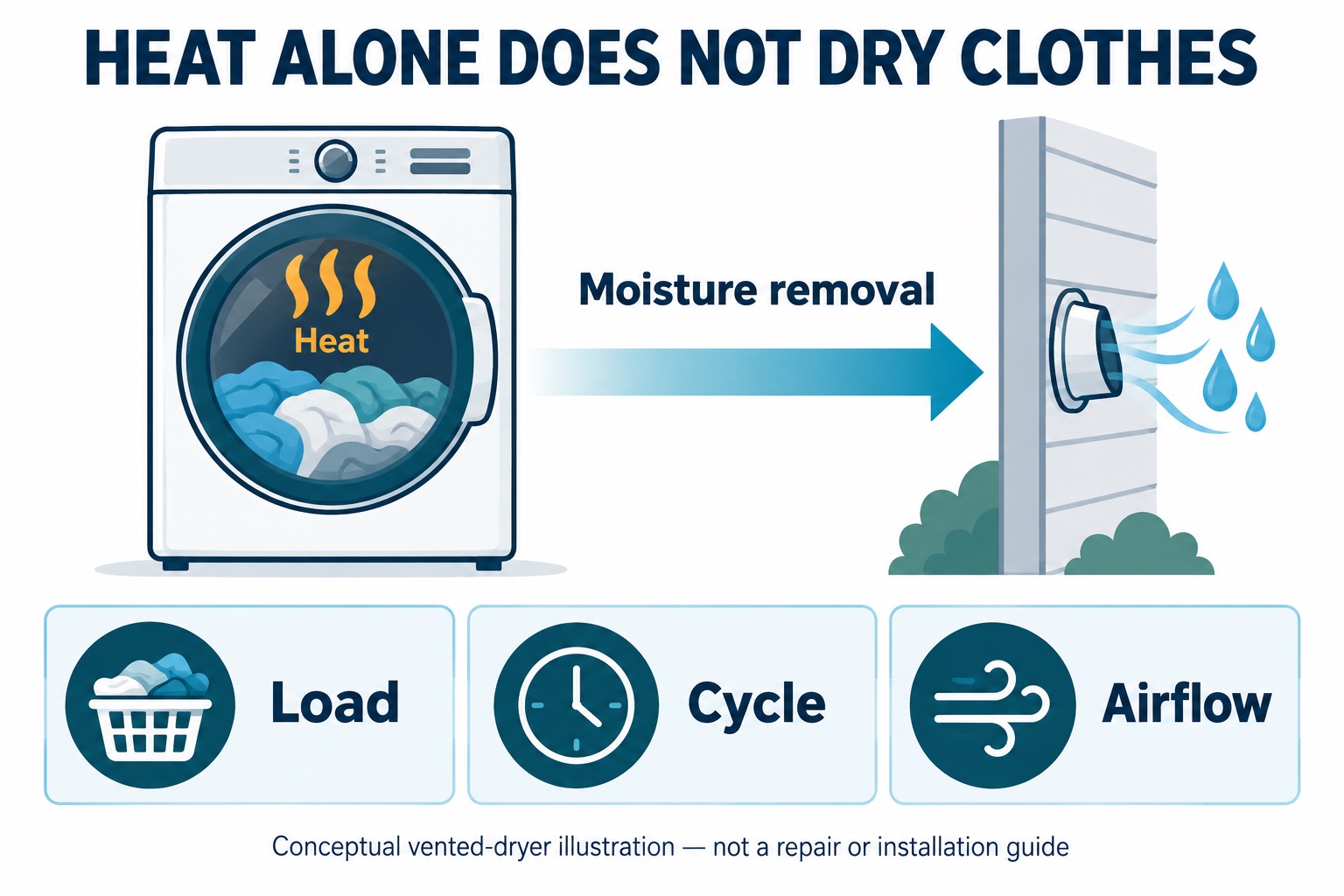
A dryer can produce heat while failing to remove enough moisture. When clothes finish warm but damp, begin with the load, selected cycle, and permitted lint/airflow checks—not an assumption that the heating element needs replacing.
This guide focuses on conventional vented dryers and a symptom that differs from “no heat.” If your Amana drum never heats on a heated cycle, use our Amana no-heat guide; for that same symptom on a Maytag Centennial, see the Maytag Centennial guide.
Stop for overheating or other warning signs
Do not keep restarting a dryer that has a burning smell, smoke, scorching, abnormal overheating, repeated electrical trips, or an airflow warning that its manual says requires stopping. Smoke or fire requires getting everyone to safety and calling emergency services. For gas odor, leave without operating switches and contact the gas utility or emergency services from outside.
The U.S. Fire Administration’s dryer safety guidance calls for professional installation/service, lint-filter cleaning, and checking for damaged or restricted venting. Never operate without the lint filter. Do not bypass a thermal device or run a gas dryer with its exhaust disconnected as a drying test.
Describe what “not drying” means
Before changing anything, write down which of these descriptions matches the completed cycle. These are observation categories, not diagnoses:
| Observation | Next useful record |
|---|---|
| Warm throughout, damp throughout | Cycle, load type, starting wetness, and available airflow warnings |
| Thin items dry, thick items damp | Whether towels, jeans, and light fabrics were mixed |
| A sheet contains a damp bundle | Whether bedding wrapped around other items |
| Automatic cycle ends unusually early | Load size, selected dryness level, and exact model |
| Same load now takes much longer | When the change started and recent vent/service history |
“Two similar towel loads used to finish on this cycle; now both remain damp” is a more useful service description than “it does not work.” Do not touch internal components or reach into a running drum to collect evidence.
Check the load before blaming a part
Read the garment care labels and dryer capacity/cycle instructions. Avoid a tightly packed load or a bundle that cannot tumble. Separate heavy items from light fabrics, and untangle bedding after the machine has stopped. If clothes arrived unusually wet from the washer, record that change rather than treating the dryer as the only possible source.
Amana’s long-drying support page emphasizes model-appropriate cycle selection and airflow. Do not infer a failed heater from warmth plus dampness; its heating support page specifically associates heat with extended drying times with possible vent restriction.
Automatic and timed cycles answer different questions
In Amana use-and-care guide W10849530 Rev. C, Automatic Dry can respond to load moisture or air temperature, while Timed Dry runs for the selected time. Do not assume every dryer labeled “automatic” has the same moisture-sensor system.
The guide also notes that a very small load may not contact sensor strips on models that use them; its model-dependent remedies include Timed Dry or adjusting the automatic dryness setting. Check the instructions for your own dryer first. An early cycle is not proof of a defective sensor.
If there are no warning signs and your manual permits another normal cycle, use its specified setting for the fabric and load. Record the result of one appropriate adjustment rather than cycling through unrelated settings. Do not extend heat repeatedly to compensate for suspected airflow trouble, and do not use higher heat than the care label permits.
Inspect only accessible lint and vent conditions
With the dryer stopped and cool, clean the removable lint filter as the owner manual directs. Inspect it for damage. Some screens can also acquire product residue; the Amana guide provides a washing method for applicable screens. Use your model’s method, reinstall a fully dry screen where specified, and do not insert tools into internal passages.
From a safe standing position, note any visible crushed or damaged exhaust duct and whether an accessible exterior cover behaves normally during operation. Do not move a heavy dryer, disconnect gas or wiring, climb to a roof outlet, or remove the exhaust to “see if it dries better.” Have a professional inspect inaccessible vent runs.
A lint screen that looks clean does not verify the entire exhaust path. The U.S. Fire Administration’s dryer-fire report recommends qualified personnel periodically service the dryer interior and venting, especially when drying becomes slower. That is a service task, not a generic appliance-disassembly tutorial.
Does this apply to a ventless or heat-pump dryer?
Not the outside-exhaust checks. For example, LG identifies DLHC5502V as a ventless heat-pump dryer. Use your specific ventless model’s filter, condensate, and maintenance instructions instead. Do not try to add or disconnect an exhaust duct based on this conventional-dryer guide.
Build a short service record
- Brand/full model; vented or ventless; gas or electric
- Cycle, temperature, dryness level, and any energy-saving option
- Fabric mix/load size and how wet it was after washing
- Actual cycle duration and which items stayed damp
- Exact warning/code and any unusual smell, sound, or heat
- Lint-filter care performed according to the manual
- Safely visible vent condition and last professional vent service
- One permitted setting/load change, if any, and its result
Request service if the problem persists after permitted owner checks or a warning appears. Our worksheet is intended to make the appointment more informative; it cannot determine heater, blower, sensor, control, or exhaust faults without model-specific professional diagnosis.
How this guide was prepared
TemperatureMaster Editorial used AI-assisted research and writing checked against the linked manufacturer and fire-safety publications. The symptom table and service record are editorial tools, not results from testing a dryer or a licensed repair review. The illustration explains conventional vented drying only. See our editorial policy.

Amana Dryer Not Heating? Safe Troubleshooting Guide
Sunday 4th of October 2026
[…] the dryer does heat but laundry remains damp, follow the separate warm-but-wet dryer diagnosis guide. It focuses on load behavior, automatic versus timed cycles, and safe airflow observations rather […]