
Choose Cool when the room needs active cooling, Dry when humidity is the main concern and the model supports that function, and Fan when you want air movement rather than active refrigeration. These are purposes, not promises that every Samsung model uses the same fan speed, setpoint behavior or energy consumption.
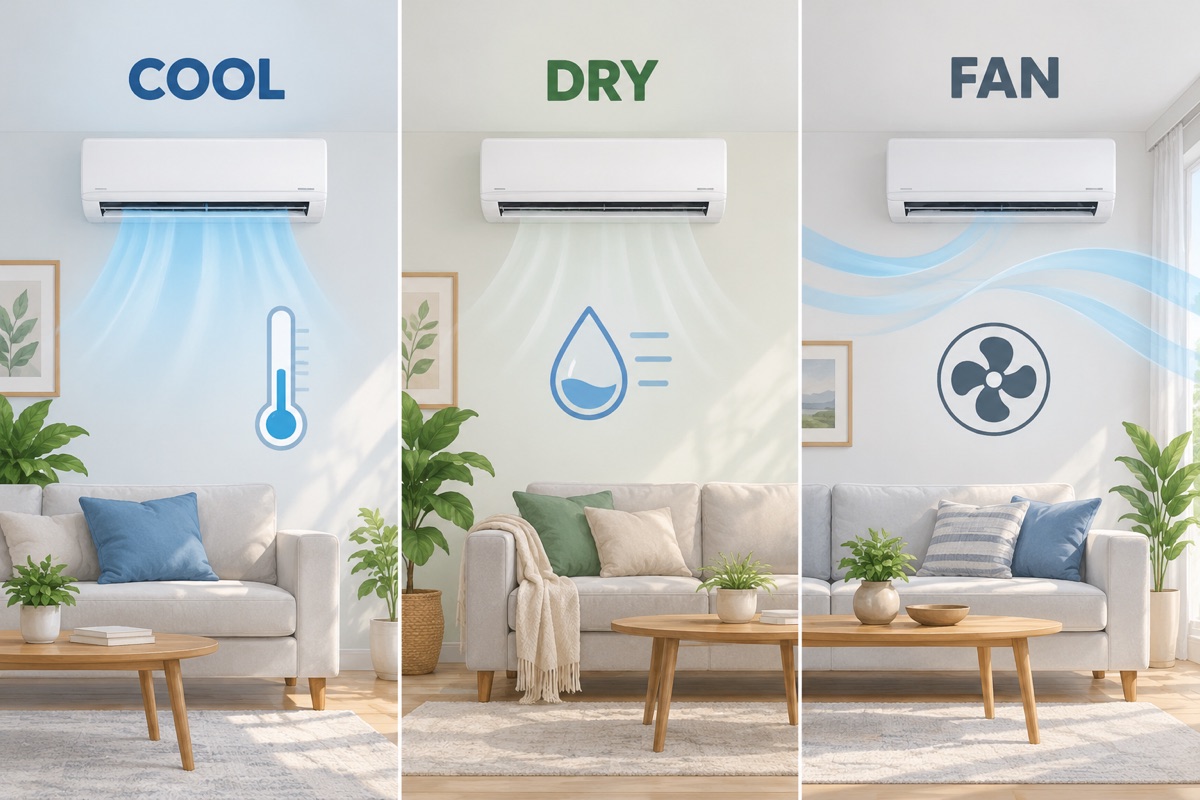
Describe the problem before changing the mode
“Uncomfortable” can mean hot air, high humidity, direct sunshine or weak air movement. Write down the room temperature and, if available, a humidity reading before changing several controls at once. Identify the complete indoor-unit and controller model so the manual matches the equipment.
Samsung’s Dry-mode guidance describes moisture removal as its purpose. Samsung’s engineer interview on cooling and dehumidification also distinguishes temperature control from humidity-focused operation. Neither publication establishes an identical control sequence or energy saving for all regional products.
A mode-selection starting point
| Observed need | Mode to investigate | Check in the manual |
|---|---|---|
| The room is too warm | Cool | Supported setpoint, fan options and any reduced-output feature. |
| The room feels damp and does not need strong cooling | Dry, where supported | Temperature limits and whether fan speed or setpoint is automatic. |
| You only want air movement | Fan | Available fan speeds and airflow direction. |
| The unit behaves differently after an app command | Review settings first | SmartThings schedules, routines and controller priority. |
This table is a decision aid, not a diagnosis. High humidity that persists can involve outside air, a moisture source, equipment sizing or another building issue. Changing the mode does not identify the underlying cause.
Dry mode is not simply “cheap Cool”
Dry mode can still involve cooling and compressor operation. The way the equipment modulates those functions depends on the model. Do not assume Dry never uses the compressor, always holds a fixed temperature or always consumes a stated percentage less electricity.
If the space is very hot, a humidity-focused setting may not provide the temperature control you need. If humidity remains a problem despite sensible operation, record the conditions and seek appropriate advice rather than continuously reducing the target temperature.
Fan mode has a different job
Air movement can improve personal comfort, but it is not the same as refrigerating the room. Do not interpret a running indoor fan as proof that the outdoor compressor is operating. Likewise, a cold sensation in the air stream does not measure the room’s stabilized temperature.
Use the exact controller instructions to confirm the selected mode. A symbol that resembles a fan can be a speed setting within another mode, not necessarily a separate Fan-only selection.
Make one change and keep a condition record
Record the initial room conditions, chosen mode, target, fan selection, open doors/windows, obvious moisture sources and time. Recheck in the same location after a model-appropriate stabilization period. Avoid measuring directly in the supply-air stream if the aim is to understand room comfort.
For a hypothetical comparison, one evening could begin with a comfortable temperature but damp-feeling air, while another begins with a hot sun-exposed room. Those are different starting conditions: a shorter runtime on the first evening would not prove that one mode is universally more efficient.
When to leave mode selection and troubleshoot
If the correct mode is selected but the unit will not start, leaks indoors, loses airflow or displays a persistent code, use our Samsung AC troubleshooting guide. Stop for repeated breaker trips, burning odors or water near electrical parts. Do not open service covers, test capacitors or add refrigerant as an experiment.
CF filter reminders, dF defrost and other displays should be checked against the manual rather than treated as interchangeable errors. A new mode article is not a substitute for the parent guide’s safety checks or professional diagnosis.
How this guide was prepared
TemperatureMaster Editorial prepared this guide with AI-assisted research and writing checked against the linked manufacturer or government publications. The worksheet and examples are editorial tools, not measurements from a customer installation. We have not tested the equipment or inspected a home for this guide. See our editorial policy.
