
A fan, line or droplet on an oven control can identify very different functions. Use the exact NEFF model manual to turn the symbol into a function name before choosing a temperature or diagnosing missing heat. A familiar-looking symbol on another oven is not sufficient evidence.
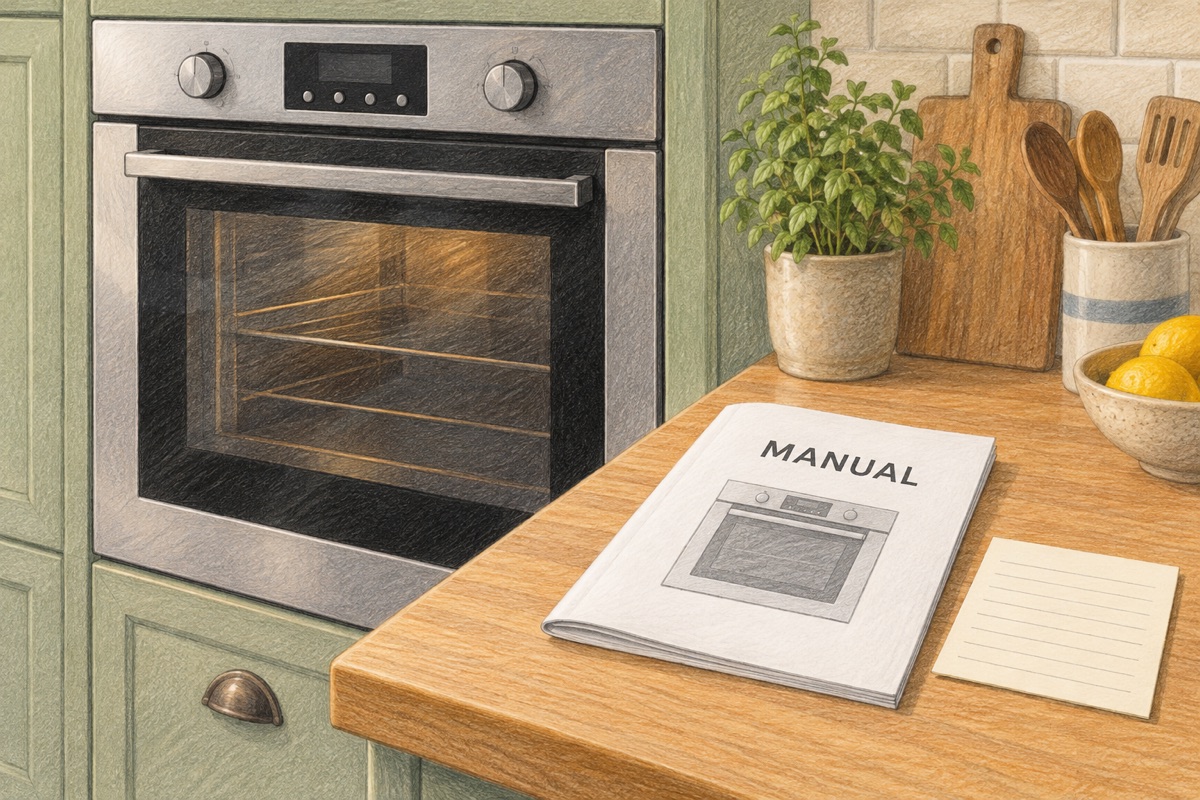
Match the appliance before matching the icon
Record the complete E-number and other identification requested by the manual or NEFF support from a safely accessible label. Then check that the instruction booklet covers that model and control version. Do not pull a built-in appliance out or remove electrical covers to locate identification.
NEFF’s general symbols guide is a useful orientation, but it groups functions that are not available on every appliance. Treat it as an index of possibilities rather than a universal instruction sheet.
Separate cooking functions from other operations
| Function family | What to identify | Why the distinction matters |
|---|---|---|
| Fan-assisted/hot-air cooking | The exact mode name, including any CircoTherm function. | A fan graphic alone does not establish the temperature behavior or permitted shelf use. |
| Top/bottom heat or a selected element | Which cooking function the manual assigns to the line symbol. | Different functions distribute heat differently. |
| Grill or grill with fan | Whether the model offers full, partial or fan-assisted grilling. | Do not substitute a grilling setting for a baking recipe without checking instructions. |
| Defrost, light or other non-baking function | Its intended purpose and any stated temperature behavior. | A light or running fan is not proof that a baking function is selected. |
The descriptions are broad categories, not a copied icon catalogue or a claim that every control has these choices. If the function name on your display differs, use that model’s documentation.
Keep symbols and time controls separate
Distinguish the cooking function, requested temperature, start confirmation and time setting. A bell, clock or duration field can have a different role from the heating-mode selector. Do not assume that a minute reminder stops heating, or that every timer controls the oven’s power.
Likewise, a key indicator may concern control locking rather than cooking temperature. NEFF’s key-symbol explanation describes a particular control-lock operation; use the actual appliance instructions instead of applying its button sequence to an unverified model.
Use a function-selection record
Before reporting “the fan works but the oven does not heat,” record: model identification; symbol and displayed function name; target temperature; timer/delay status; whether Start was confirmed; elapsed time; and the exact message. A photograph of the controls can help support identify the setting, provided it is taken safely without opening equipment.
Here is a hypothetical record: “Model entered from label; function name copied from manual; temperature selected; no delayed start; confirmation completed; display message transcribed.” It is deliberately not a button recipe. Its purpose is to remove ambiguity from the service conversation.
Do not diagnose a part from a symbol
A rotating fan does not prove that a heating element, temperature sensor or supply is working correctly. Conversely, selecting a mode not intended for ordinary baking is not proof of a failed element. Do not remove panels, inspect live connections or replace parts based on an icon comparison.
If the correct controls are confirmed but useful heat is still absent, move to our safe NEFF no-heat guide and the manufacturer’s oven support. Stop using an appliance with repeated protective trips, visible heat damage or a dangerous odor.
Document cooking results separately
When the oven heats but baking results differ, record mode, shelf, bakeware and load rather than declaring a thermostat fault from one result. Our rack-position and bakeware comparison record helps keep those variables separate. It does not replace service testing or food-safety instructions.
How this guide was prepared
TemperatureMaster Editorial prepared this guide with AI-assisted research and writing checked against the linked manufacturer or government publications. The worksheet and examples are editorial tools, not measurements from a customer installation. We have not tested the equipment or inspected a home for this guide. See our editorial policy.
