
Two home hygrometers can disagree because they are measuring different conditions, have different response times or have different measurement errors. Before deciding which one is right, compare them in the same location under steady conditions and read each model’s accuracy specification.
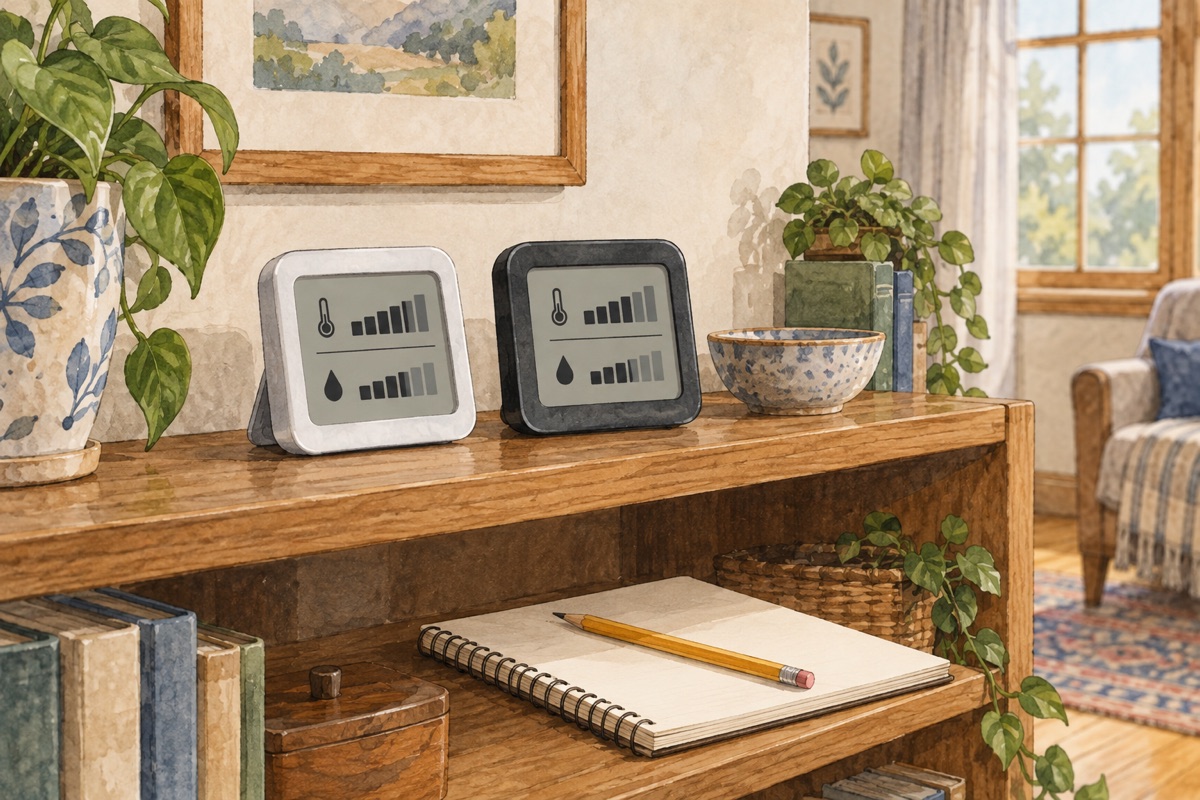
Agreement is useful, but it is not calibration. Two devices can share an error, and a larger or newer display is not automatically a reference instrument. This guide helps organize a home comparison; it does not certify either monitor.
First compare the conditions, not the percentages
A monitor near a window, supply grille, humidifier outlet, bathroom door or sunny surface may not describe the same air as one across the room. For a fair side-by-side check, choose a representative indoor location permitted by both manuals, away from obvious local heat, moisture and airflow. Keep sensor openings unobstructed and avoid warming the devices in your hands.
Leave them there for their specified settling time and compare simultaneously. If a manual does not supply a settling time, do not invent a precise universal interval; wait for readings to stop changing markedly under steady conditions and ask the maker if uncertainty matters. Note the room temperature as well as RH.
The explanation in our nighttime relative-humidity guide matters here: a percentage can change with temperature without an equivalent addition of moisture. Moving a monitor from a cool window to a warmer shelf is not a controlled test of its accuracy.
Read the specification in the right units
AcuRite’s accuracy page directs readers to the individual product manual for exact specifications. Check the humidity range and conditions over which a stated tolerance applies. A claim on a retailer listing may omit those limits.
If a specification says ±3 percentage points RH, a reading of 45% corresponds to a possible interval of 42%–48% under that specification. It does not mean 3% of 45, which would be only 1.35 points. This arithmetic is an explanation of a hypothetical specification, not an assignment of that accuracy to your instrument.
A worked comparison—not a calibration result
| Hypothetical monitor | Displayed RH | Assumed tolerance | Implied interval |
|---|---|---|---|
| A | 45% | ±3 percentage points | 42%–48% |
| B | 49% | ±3 percentage points | 46%–52% |
The intervals overlap between 46% and 48%, so a four-point display difference alone would not establish that either device violates those assumed specifications. It also does not establish that the true room humidity lies in the overlap: that requires the assumptions and the specifications to be valid.
Now imagine A reads 40% and B reads 55% under the same assumed tolerances. The intervals no longer overlap. That is a reason to recheck conditions, settings, batteries, damage and manufacturer guidance—not evidence that you should automatically average the displays to 47.5% or adjust B to match A.
Keep a compact comparison record
For each occasion, write the model, location, placement time, reading time, temperature, RH and recent room changes. Note showers, cooking, open windows and HVAC operation without attempting to force a particular reading. Repeating the same safe comparison on another day is more informative than moving one monitor repeatedly until the displays agree.
Check the manual’s offset or reset features before changing them. An existing offset may explain disagreement. A user-entered adjustment changes the displayed result; it does not supply a traceable reference. Do not expose an ordinary room monitor to water, steam or an improvised salt test unless its maker explicitly provides a suitable procedure.
Visible dampness still needs attention
The EPA’s humidifier guidance advises not exceeding 50% indoor RH during humidifier use and responding to condensation or wet surroundings. Do not keep wetting a room because one uncertain monitor reads below that ceiling.
For mist, white deposits or wet furniture, use our humidifier fog and dampness guide. Persistent dampness, leaks or suspected building-moisture problems need investigation of the source. A better instrument can clarify observations, but buying one does not repair a leak.
Editorial method: TemperatureMaster Editorial prepared this research-based guide with AI-assisted research and writing checked against the linked primary publications. Examples and comparison aids are not hands-on test results or a professional diagnosis. Illustration generated with AI. See our editorial policy.
