
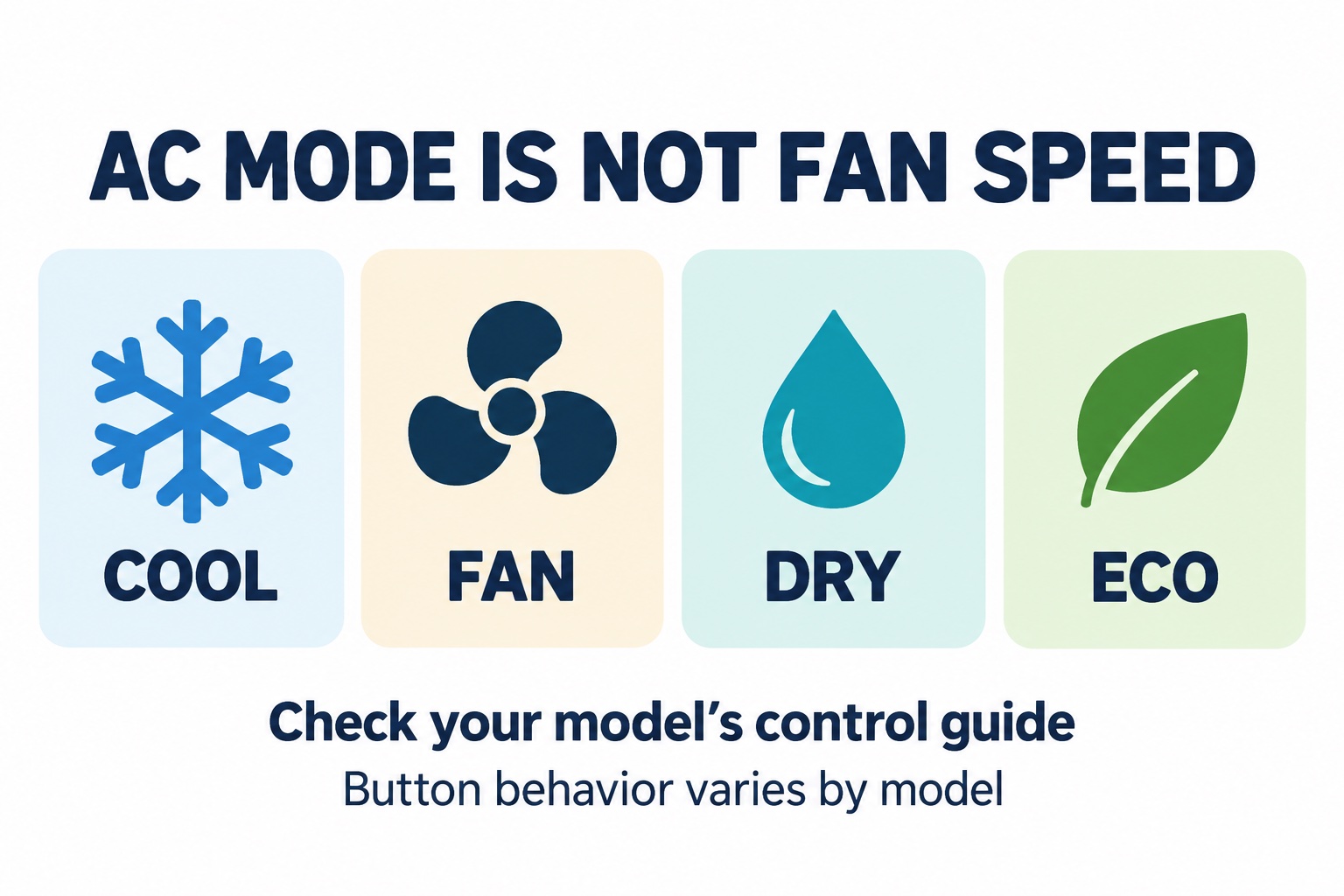
On a Friedrich air conditioner, operating mode and fan speed are separate choices. Fan Only is not the same as Cool with a low fan setting; Dry can limit fan control; and an energy-saving option can change what happens after the room reaches its set temperature. Start with the instructions for your complete model number.
This guide explains how to read those controls, using one documented Chill Premier example. It is not a universal button sequence for every Friedrich model. For faults, warnings, or failure to cool after permitted owner checks, use our Friedrich troubleshooting guide.
Identify the control family before pressing buttons
Friedrich’s official resource library separates Chill Premier fixed-chassis, slide-out, inverter, and Kühl documents. Match the equipment’s full model to the manual’s covered family and illustrations. A remote-control picture resembling yours is not sufficient.
Record the manual title and document number. Do not use an installation/operation guide for a different chassis to interpret an error code or service an internal component. Read the control-panel section and remote section separately: labels and available functions may differ.
A documented example: Chill Premier CCF manual 93071100_00
Page 19, section J.2, of the 2024 CCF installation/operation manual distinguishes these remote functions:
| Control in this example | Documented distinction |
|---|---|
| Mode | Includes Auto, Cool, Dry and Fan Only; Heat applies only to heating models |
| Fan Speed | Hi/Med/Lo/Auto choices in Cool; Hi/Med/Lo in Fan; Low only in Dry |
| Money Saver | Selected in Cool; changes operation after the set temperature is reached |
| Sleep | Can automatically adjust the temperature and fan speed |
| Display | Can turn display lighting off without stopping normal operation |
Those details describe that document, not every Friedrich appliance. In particular, a dark display, a restricted fan-speed choice in Dry, or a changing Sleep setpoint need not mean a fault. Compare your own manual before drawing that conclusion.
Mode versus fan speed: a simple way to organize the question
Ask two questions rather than one: “What job did I select?” and “Which airflow option does that job permit?” This editorial distinction helps avoid troubleshooting a setting that was never intended to perform the desired task.
- Cooling complaint: record the selected mode as well as the setpoint. “The fan is on high” leaves out the operating mode.
- Fan-control complaint: record whether the selection is unavailable in the present mode, rather than reporting that the button never works.
- Stopping complaint: record the room condition, energy-saving option, and timer. Do not infer a failed part from a single pause.
- Display complaint: separate loss of power from lighting behavior. Record whether controls respond and airflow continues, without opening the case.
Auto mode is not Auto fan speed
Look for separate explanations in your manual. A label containing “Auto” may describe an operating program or a fan-speed choice. Do not move a button sequence from one explanation to the other. Write the exact label, where you selected it, and what the corresponding section says it controls.
Similarly, the illustration’s ECO label is a conceptual energy-saving category, not a promise that your remote has an ECO button. The CCF example above uses “Money Saver.” Preserve the terminology from your own document when asking Friedrich for help.
Make one permitted change and record what happened
If the appliance has no warning signs and its manual permits normal operation, choose the documented mode for your intended task. Note any active timer, Sleep, energy-saving, or app schedule. Avoid repeatedly switching modes or power-cycling to force a compressor restart; follow the manual’s waiting/protection instructions.
Use this short record for support:
- Full model and manual/document number.
- Control used: panel, remote, or app.
- Exact mode, setpoint, fan setting, and active options.
- What you expected and what you observed.
- One allowed change and its result.
- Any warning, trip, smell, unusual sound, or icing.
A useful report might be: “The fan-speed choices disappear only when I select Dry; here is my model and control-guide section.” That is a hypothetical report, not evidence that any particular reader’s unit is operating correctly.
When controls are not the next step
Stop for smoke, a burning smell, damaged wiring, repeated electrical trips, or other shutdown warnings. Do not remove panels, alter refrigerant parts, bypass a sensor, or use an extension cord to test the appliance. Persistent cooling trouble requires model-specific service, not more button experiments.
If the question is whether a replacement can serve your space, our window AC sizing and fit worksheet addresses capacity separately from control behavior.
Research transparency
TemperatureMaster Editorial prepared this guide with AI-assisted research and writing checked against the linked Friedrich documents. We have not tested these controls on a physical appliance or obtained a licensed technician’s review. The illustration and support worksheet are editorial explanations. See our editorial policy.
